
Hello guys!! In todays tutorial, I will show you how to set up Vita3K PS vita Emulator for Android, IOS, Mac, Windows, and Linux. We’ll also talk about how to get started with Vita3K and play your favorite PSVita games on your Android, Computer or iPhone.
On 12th February 2023, Sony launched a PS Vita Emulator app, "Vita3K PS vita Emulator," for the platforms mentioned above. So, in this tutorial, I will show you step by step method of configuring this app and installing games like SpyderMan, Uncharted, God of war and many other games.
In order for this app to work out the you want it to. Some configuration files are required to be downloaded on the official PlayStation website or on the Vita3K official site. The Vita3K PS vita emulator app is an experimental emulator app and may not run all PS Vita games perfectly. It's still in development, and game compatibility is continuously improving with updates.
On 12th February 2023, Sony launched a PS Vita Emulator app, "Vita3K PS vita Emulator," for the platforms mentioned above. So, in this tutorial, I will show you step by step method of configuring this app and installing games like SpyderMan, Uncharted, God of war and many other games.
In order for this app to work out the you want it to. Some configuration files are required to be downloaded on the official PlayStation website or on the Vita3K official site. The Vita3K PS vita emulator app is an experimental emulator app and may not run all PS Vita games perfectly. It's still in development, and game compatibility is continuously improving with updates.
Vita3K is a free, open-source emulator that lets you play PlayStation Vita games on Windows, Linux, macOS, IOS and Android devices. It is still being developed but has improved with updates a lot recently, allowing many games to run smoothly.
Key features of Vita3K app include:
- Free and open-source
- Compatible with Windows, Linux, macOS, and Android
- Can play many PlayStation Vita games
- Supports touchscreen, gyroscope, and rear touchpad
- Save states
- Upscales games to 1080p and higher
However, there are important points to note before downloading Vita3K app:
- It is still in development, so there may be bugs and glitches.
- You must provide your own PlayStation Vita game ISOs. Downloading copyrighted games you do not own is illegal.
- Vita3K can be demanding on your system, so you may need a powerful computer or smartphone for optimal performance.
©️ (Vita3K.org)
Minimum Hardware and Software Requirements:
Minimum Android hardware and software requirement
1. Device ARM64 processor.
2. Vulkan 1.0 support.
3. Android 7+ OS.
4. Minimum of 4GB + Ram (6GB Recommended).
5. At least a minimum of 500MB ROM
2. Vulkan 1.0 support.
3. Android 7+ OS.
4. Minimum of 4GB + Ram (6GB Recommended).
5. At least a minimum of 500MB ROM
Minimum IOS Hardware and Software Requirements
1. Device: iPhone 8+ (or equivalent iPad).
2. RAM: N.D.
3. OS: iOS 10+.
4. At least a minimum 32 MB ROM.
2. RAM: N.D.
3. OS: iOS 10+.
4. At least a minimum 32 MB ROM.
Minimum PC Hardware and Software Requirements
1. GPU that supports OpenGL 4.4 and above.
2. CPU with the AVX instruction set (GPU that supports shader interlock is Recommended).
3. Minimum of 4GB RAM (8GB RAM Recommended).
2. CPU with the AVX instruction set (GPU that supports shader interlock is Recommended).
3. Minimum of 4GB RAM (8GB RAM Recommended).
Procedure
Here are the steps to set up and configure the Vita3K PS Vita Emulator app on Android:
Here are the steps to set up and configure the Vita3K PS Vita Emulator app on Android:
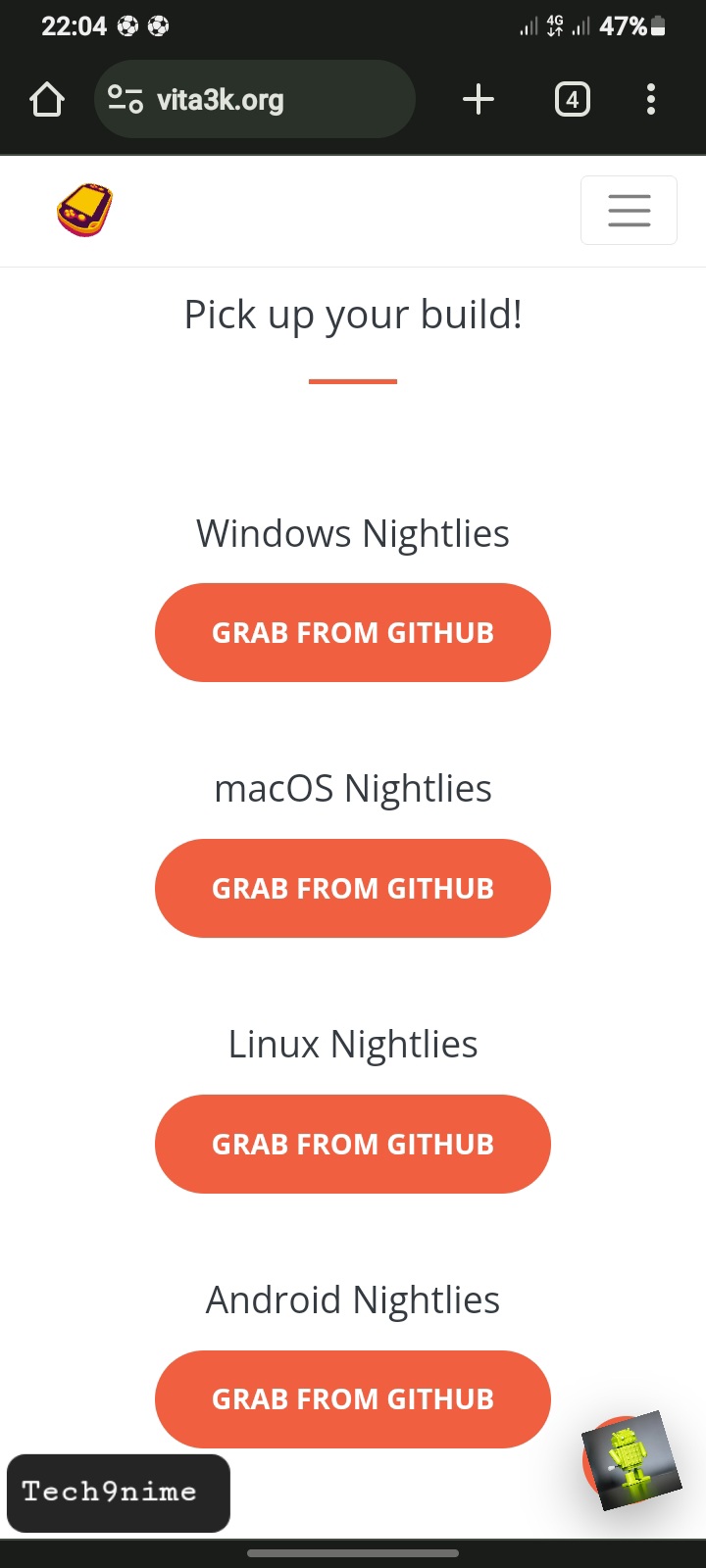
1. Download and install the latest Vita3K APK from the official website. Choose the platform that you will be using the vita3k PS vita emulator on.
2. Install the APK on your Android device, if you choose Android as your platform. Granting all necessary permissions.
3. Launch the Vita3K PS vita emulator app and choose "Download Firmware."
4. This will open the PlayStation website, where you can download the latest PS Vita firmware.
5. Now save the firmware file on your Android device.
6. Use a file manager app to locate the downloaded PS Vita firmware file on your Android device.
6. Click and hold the file, then select "Extract" the file use your preferred file manager app.
7. Choose a location for extraction and confirm the extraction of the firmware file.
8. Launch the Vita3K app and select "Firmware" and navigate to the folder of the extracted firmware file.
9. Choose the firmware file and click "Load" to load it into Vita3K PS vita emulator app.
10. Access "Settings" in the Vita3K PS vita emulator app.
11. Adjust the emulator settings to your preferences. This also depends with the type of processor and RAM that your phone has.
12. Now save your settings by tapping "Save."

(PS Vita3K emulator app)
How to install and play games on Vita3K PS vita emulator app.1. Download a PS Vita game file in ZIP or PKG format.
2. Launch the Vita3K PS vita Emulator app, navigate to file on top, navigate to the download folder and then locate the game you downloaded.
3. Then click on install .pkg, the game will be installed.
4. After game installation, click on the game icon within the Vita3K PS vita emulator app to launch the game.

(PS Vita3K emulator app)
DISCLAIMER: The information provided by Tech 9nime on this website is for educational purposes only. We do not endorse or encourage any illegal activities. Readers are responsible for their own actions based on the information presented on this website.
You're exploring Tech9nime, a team of specialists delivering daily updates on the Android, Windows, and iOS ecosystems. Visit our homepage for the latest news, tech tips, and easy gadget solutions. Stay connected via Google News, Facebook, Telegram, and Pinterest. Explore simple gadget solutions, reviews, how-tos, and subscribe to our YouTube channel for a starting point.
